
Google · Gmail · Maps
Search, mail and maps, the way you use them at home.
A VPN that works in China too. Open the app and slide the switch up to connect.
The moment you land in China, the apps you rely on stop. Search, maps and mail won’t load.
No Google SearchGmailGoogle Maps — no YouTubeInstagramFacebook.

Well-known VPNs are the first to be blocked
Search, mail and maps, the way you use them at home.
Videos and social feeds, back again.
Work tools that stalled or dropped stay connected.
Free for 3 days, no card.
Start 3 days free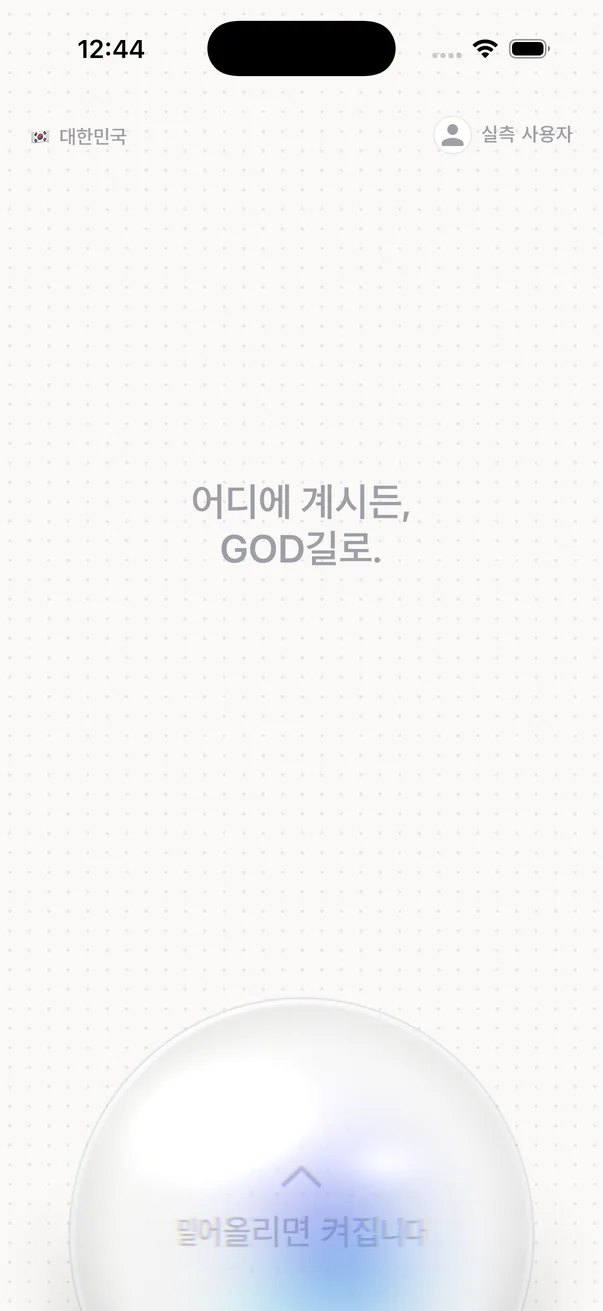
Slide the glass switch in the middle up to connect, down to disconnect.
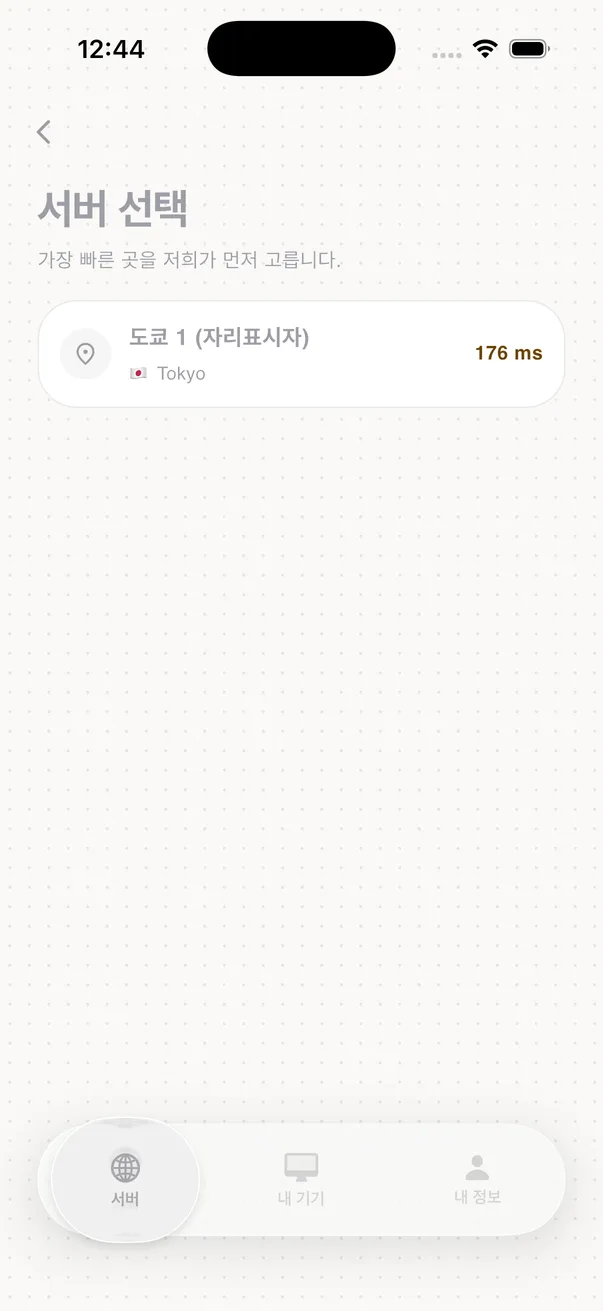
It takes the fastest server first and moves to the next one if the route wobbles.
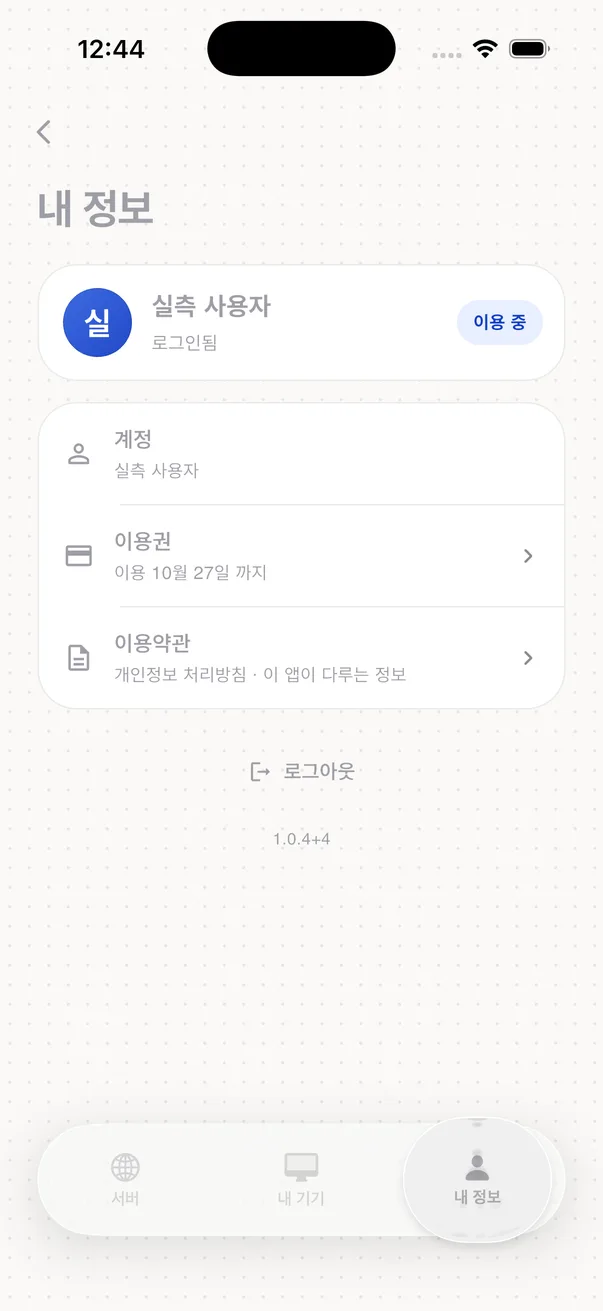
One account covers one mobile device and one computer. The Mac and Windows apps protect traffic from apps that follow the system proxy.
Day one. Install, sign in, slide up. That is all.
A short welcome screen, then straight to sign-in.
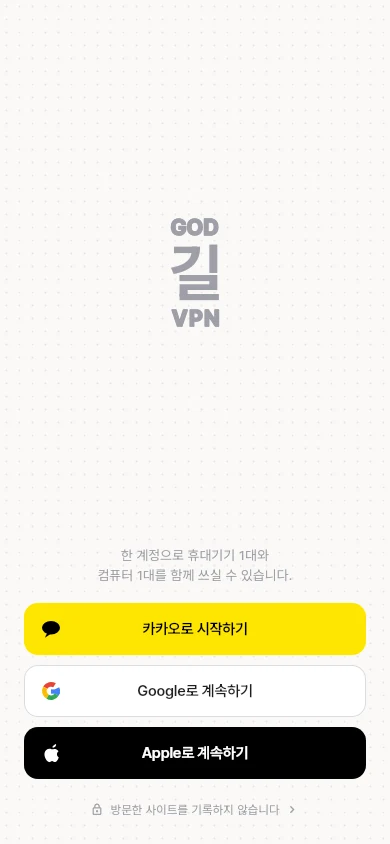
Use your Kakao, Google or Apple account. No new password to make.
Slide the switch in the middle up and you are connected.


Free for 3 days · no card · once per account, and nothing is charged automatically when the trial ends. To keep going you start a 30-day pass yourself for KRW 9,900 (VAT included); automatic payment charges every 30 days only if you register a card and turn it on, and one tap in My account turns it off. The iPhone app uses Apple in-app purchase; Android, Mac, Windows and web use KakaoPay (via PortOne). The Android app shows one banner ad; the iPhone, Mac and Windows apps have no ads. The one-line daily check-in you may leave is deleted after 60 days. Refund policy · Terms of Service
Anything left? Just email us.
No. The trial takes no card, so there is no way to charge you. We remind you once in the app a day before it ends. The trial is once per account.
Only in the Android app: while you have not started a pass, one banner ad appears at the bottom of the screen. The iPhone app has no ads. The Mac and Windows apps have no ads either. We never pass your connection records or the sites you visit to advertisers — we do not have them in the first place.
In the iPhone app you pay with Apple in-app purchase (an App Store subscription). The price is shown in the App Store payment sheet, and you cancel and manage it in Settings › Apple ID › Subscriptions on your device. Apple handles refunds under its own process. On Android, Mac, Windows and the web you pay with KakaoPay on this website's payment page.
Two: one mobile device and one computer. To switch devices, free the slot in My account, or choose to disconnect the old device from the new one. Signing in to this website does not use a device slot.
If you paid on this website and have not connected even once within 7 days of paying, we refund the full amount; if you have used it, we refund the remaining days. You can request a refund by email or phone; we process it within 3 business days of your request, and if we are late we add delay compensation at 15% a year for the days of delay. If you paid through the App Store in the iPhone app, Apple handles the refund under its own process.